
India’s Easy To Use Mobile Based Vastu Software
Analyze house maps instantly using Astroshala’s modern Vastu Software. Generate 16 Directions, 32 Entrances, Shakti Chakra, 45 Devta Chakra, Vastu Purush Mapping, and Direction Graphs directly on mobile and desktop.
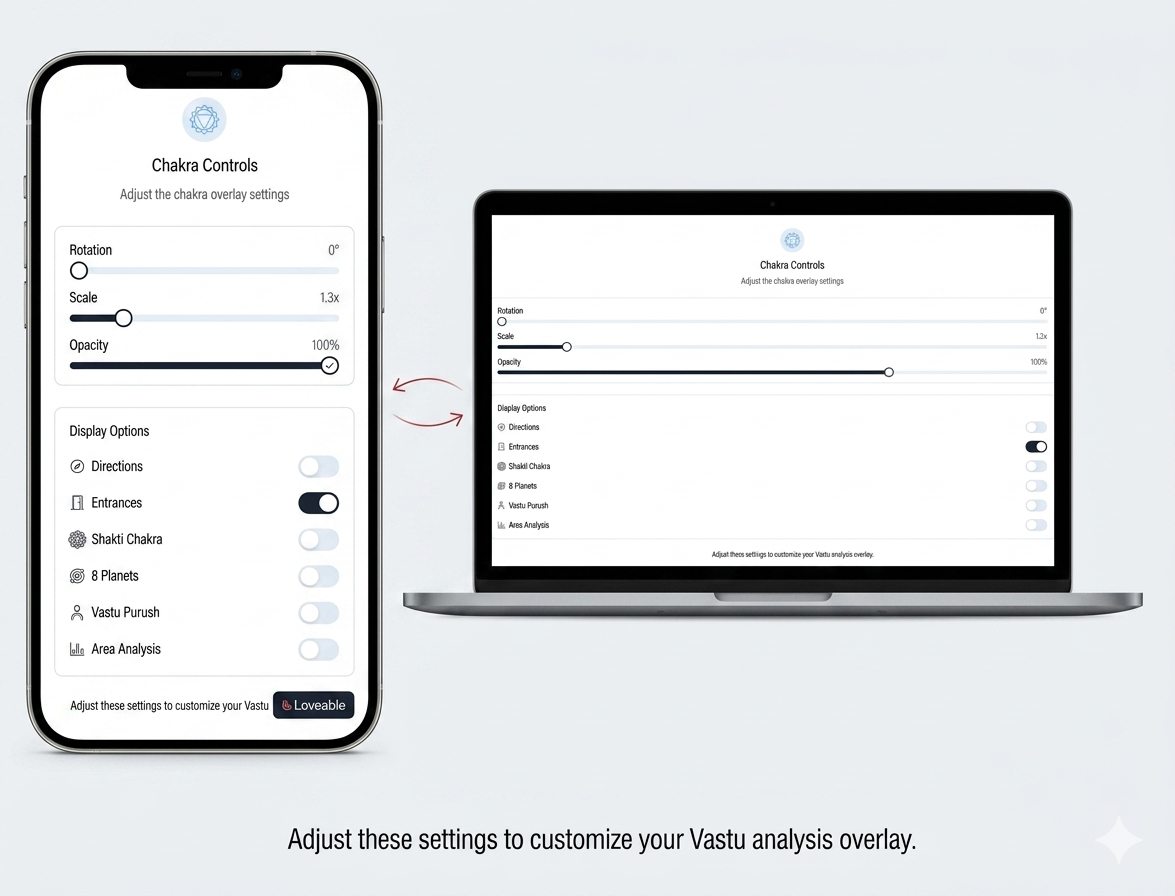
Main Software Highlights
Powerful built-in calculators and visual mappings for complete Vastu analysis.
Built For Modern Vastu Workflows
Astroshala’s Vastu Software is designed for consultants, students, and homeowners who want fast and practical visual map analysis.
Vastu Consultants
Quickly analyze client house maps using practical visual tools.
Students & Learners
Understand directions and layouts using beginner-friendly workflows.
Homeowners
Check house maps easily on mobile and desktop devices.
How Astroshala Works
Get accurate visual map analysis in four simple guided steps.
Upload House Map
Upload your house or plot map in JPG or PNG format.
Select Plot Area
Interactively select the exact plot area directly on the map.
Enter North Direction
Enter the north-facing direction for accurate analysis.
Generate Analysis
Get directions, entrances, chakra mapping, and visual analysis instantly.
Our Modern Features Grid
Discover powerful visual analysis tools designed for modern Vastu Software.
45 Devta Calculations
Complete 45 Devta mapping including Brahmasthan zones.
16 Direction Graph
Visualize all 16 directions with names and directional balance.
32 Entrance Analysis
Display and analyze all 32 entrances directly on the map.
16 Zones
Understand zone placement and area distribution easily.
Shakti Chakra
Generate accurate Shakti Chakra aligned to the map center.
Direction Bar Graphs
Visual direction graphs for better understanding and analysis.
Vastu Purush Mapping
Get Vastu Purush marking directly on uploaded maps.
Interactive Map Selection
Easily select custom plot areas interactively.
Image Upload Support
Upload JPG and PNG maps directly from any device.
Mobile + Desktop Support
Use Astroshala on mobile, tablet, laptop, and desktop.
Fast Visual Analysis
Perform practical Vastu analysis quickly and easily.
Regular Updates
Receive future improvements and feature updates.
Watch Astroshala In Action
See how easily you can analyze house maps using Astroshala’s Vastu Software.
Subscription Plans
Choose the right Vastu Software plan for your workflow.
- Full Access To All Features
- Unlimited Map Analysis
- Mobile + Desktop Access
- Regular Updates
- WhatsApp Support
- Everything Included In 6 Month Plan
- Best Long-Term Value
- Priority Updates
- Extended Access
Trusted By Vastu Consultants
Astroshala’s Vastu Software is designed for students, consultants, and homeowners looking for fast visual analysis tools.
Mobile Friendly
Optimized dashboard renders floor layouts clearly on phones.
Fast Visual Analysis
Compare zonal values with automatically generated elements graphs.
Works Across Devices
Log in securely from any smartphone, desktop, or tablet.
Practical Vastu Tools
Clean alignment tools designed to deliver instant map gridding.
Scan UPI QR To Pay
Pay securely using Google Pay, PhonePe, Paytm, or any UPI app.

After payment, send payment screenshot on WhatsApp: 7303557911
Send Screenshot to WhatsApp (7303557911)Frequently Asked Questions
Find fast answers to common questions about using our house map Vastu analysis software.